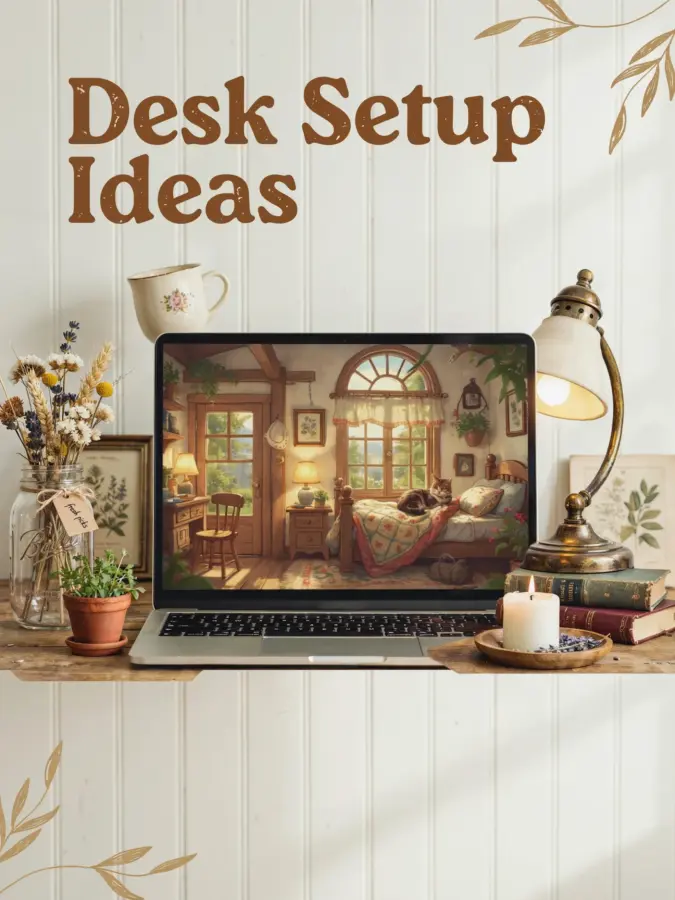
If you work from home but your desk is wedged into a corner of the living room or a tiny spare bedroom, you know the struggle. You need a home office desk setup that actually helps you focus without eating up half your floor space. The good news? You don’t need a giant budget or a dedicated room to build a productive nook. I’ve tried more desk arrangements than I can count, and these five ergonomic tips are the ones that finally stuck. They’re affordable, they work in tight spots, and they’ll save your back from that cheap dining chair you’ve been using.
Find the Right Spot: Small Office Layouts That Work
Before you buy anything, look at your room with fresh eyes. Corners are underrated. A corner desk uses wall space that’s usually wasted, and it gives you a built in sense of enclosure. If you have a window, place your desk so the light hits you from the side, not directly in your face or behind your monitor. That cuts glare without making you squint.
For truly cramped spots, think vertical. Floating shelves above your desk hold supplies and free up your surface. A narrow cart on wheels slides under the desk or into a closet when you don’t need it. I use a simple IKEA Micke desk (about $50) in a 4×5 foot alcove, and it fits perfectly with a small file cabinet next to it. Measure your space before you shop. Sketch it out if you have to. A layout that leaves you at least three feet of walking room keeps the area from feeling like a closet.
Budget Friendly Desk Options for Tight Spaces
You don’t need a fancy sit stand desk to get a solid workspace. Thrift stores and Facebook Marketplace are goldmines for sturdy wooden desks at under $100. Look for one that’s at least 24 inches deep so your monitor sits far enough back. If you’re really short on cash, a countertop from a hardware store placed across two file cabinets makes a surprisingly stable desk for around $60 total.
Fold down desks mounted to the wall are another lifesaver for small apartments. They take up zero floor space and fold up when you clock out. Just make sure the hinge hardware can hold your monitor weight. I’ve seen people use a hollow core door laid over two short bookcases, and it works great. The key is to avoid wobbly surfaces. If your desk wobbles, your focus wobbles too.
Ergonomic Must Haves: Monitor Arms and Keyboard Trays
Your screen should sit at eye level so you don’t crane your neck. A monitor arm is the easiest fix, and you can find a decent gas spring one for about $30 on Amazon. It clamps to the back of your desk and lifts the screen off the surface, which also clears up a lot of desk clutter. If a monitor arm won’t work, stack some books or a box underneath until the top third of your screen is level with your eyes.
A keyboard tray is another game changer for small spaces. It pulls out below the desk so your elbows rest at a 90 degree angle, and your wrists stay straight. A basic tray costs $20 and screws into the underside of your desk. Without one, you’re probably hunching over a laptop keyboard. And please, get a separate keyboard and mouse even if you use a laptop. Typing on a built in keyboard forces your shoulders forward, which leads to neck pain within an hour.
- Monitor arm: $30, clamps to desk, frees up surface.
- Keyboard tray: $20, attaches underneath, promotes neutral wrist posture.
- External keyboard and mouse: $25 total, separates hands from laptop screen.
Standing Desk Converters: A Cheap Way to Move More
Sitting all day is bad for your back and your energy levels. A standing desk converter lets you switch between sitting and standing without buying a whole new desk. The good ones sit on top of your existing desk and raise up with a gas spring mechanism. Budget friendly options start around $60. I use a simple one with a manual crank because it’s quieter and costs less than $50.
If you can’t justify even that expense, try a cardboard box or a sturdy crate. Seriously. I stacked two milk crates on my desk and placed my monitor on top. Standing for 15 minutes every hour makes a huge difference. The key is to alternate often. Don’t expect to stand for four hours straight. Start with 10 minutes standing, then 50 sitting, and build up slowly. Your feet will thank you.
Declutter Your Desk with Smart Organization
A cluttered desk is a distracted brain. But you don’t need fancy acrylic organizers. A small drawer unit from a dollar store holds pens, sticky notes, and chargers. A magazine file or a simple cardboard box keeps paperwork vertical and off your surface. I use a magnetic strip on the side of my desk to hold scissors, a tape dispenser, and my phone cable clip.
Think about what you use most often. Keep only your keyboard, mouse, monitor, and a notepad on the actual desk. Everything else goes in drawers or on shelves. Cable clips (a pack of 20 costs $5) stick to
#HomeOfficeDeskSetup #DeskOrganization #ErgonomicTips #SmallOfficeIdeas #ProductivityHacks
Leave a Comment